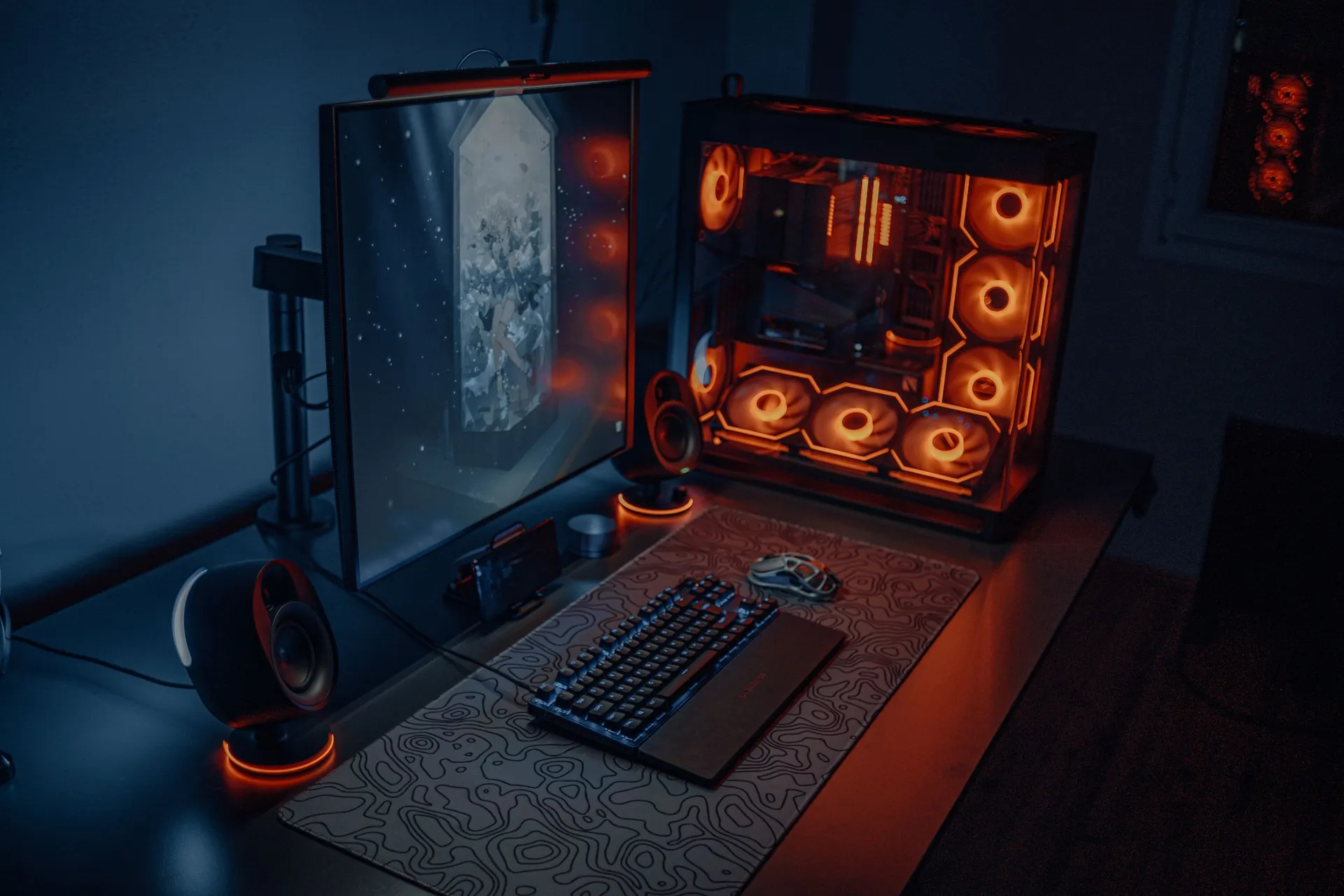
Gaming PC with orange-lit fans next to a monitor and keyboard on a desk

Home / PC optimisation

A fast PC can still stutter

It reaches the fps. It just does not always hold it. The cause is often not where you expect it, which is why this work starts with measuring instead of replacing.

How it usually gets described

Six complaints that keep coming back. They sound different and often share a cause.

  • “It hits 200 fps, but every two minutes it hitches.”

    The average is fine, the dips are not. The dips are what you feel.

  • “After half an hour it gets loud and I lose frames.”

    Heat building up. The machine throttles itself to avoid overheating.

  • “It got slower without anything changing.”

    Something did change, just not by you. Usually in what starts up automatically.

  • “One game runs perfectly, another does not.”

    Then the bottleneck is not the graphics card but the processor or the memory. That varies per game and is measurable.

  • “I bought new parts and barely notice them.”

    New memory runs at its slowest default until the right profile is switched on.

  • “My picture tears during fast movement.”

    Often a cable or a setting that does not match what the monitor can actually do.

Measure first,
then change something

Without a measurement every change is a guess, and a guess that happens to work teaches you nothing about next time. This is what gets checked before anything is touched.

Temperatures under load
Processor and graphics card under sustained load. That shows whether temperatures climb and performance falls away.
1% lows, not the average
The average hides exactly the hitches that bother you. The lowest 1 percent of readings shows them.
What runs in the background
Startup programs, overlays and background tasks, and what each of them actually costs.
Memory speed and profile
Whether the memory really runs at the speed it was bought for, or at the default below it.
Storage: space, speed and heat
How full the drive is, how fast it still is, and whether it falls back once it warms up.
Monitor and connection
Refresh rate, cable type, and whether the configured mode matches what the monitor supports.
Remote or on site

Anything that comes down to settings can be done from wherever you are. Anything that comes down to the machine itself cannot.

Wherever you live

Remote

  • Drivers
  • Settings and profiles
  • Background load
  • Memory profiles
  • Measuring while you watch

You share your screen and we measure while you sit there. Prefer a visit? In East Flanders we're happy to do all of this at your place too.

In East Flanders

On site

  • Cleaning and dust
  • Replacing thermal paste
  • Fitting parts
  • Cable routing
  • Placement and cooling

That needs hands on the machine, and so an appointment.

What clients say after an optimisation

This work ran mostly internationally before. These reactions are in the words they were written in.

Ik vroeg Deniz om me te helpen met mijn pc, had er veel problemen mee. Hij hielp me meteen, snelle service. Alles voor mij geoptimaliseerd en tips gegeven. Nu heeft mijn pc geen stutters meer en is mijn fps veel hoger en eindelijk stabiel. Snelle service, heel vriendelijk en heel behulpzaam.
MilanoBelgium
De service van Deniz was uitstekend. Ik stond op het punt een nieuwe computer te kopen, maar dankzij zijn hulp was dat niet nodig.
ZavyBelgium
De service van Deniz was echt goed, hij heeft me geholpen om veel meer uit mijn pc te halen en zorgde voor veel stabielere fps.
ScooterNetherlands
Deniz, saved my life. I used to have frame rates dropping to the low 50s, but now I can reach 300fps in a regular Fortnite game. I highly recommend Deniz for any overclocking or performance adjustments. If you get optimized by Deniz, you will never have to touch your system again!
BlizzUnited States
Found this cool website that not only gave me tips to boost my game's FPS but hooked me up with a helpful expert. Great for gamers looking to up their performance!
JakobCzech Republic

When optimisation
is not the answer

If the measurement shows that, we simply say so. Then you've paid for an hour, not for parts that change nothing.

  • The hardware is simply too light for what you want to do with it.
  • A part is faulty and needs replacing first.
  • What you expect is technically not possible on this machine.
  • A targeted upgrade is cheaper than hours of searching.

Frequently asked questions

What people want to know before they call about this.

Can you promise how much faster it will get?

No. What there is to gain depends on the hardware, the game and the resolution. After the measurement you will know where the bottleneck sits and what can be done about it. If there is nothing to gain, you hear that too.

Do you need my PC in your workshop?

Usually not. Most of it happens while you watch on your own screen. Only if something has to be replaced or cleaned do we come by or take the machine with us.

Does this work on a laptop?

Yes, but the margin is smaller. A laptop's cooling is fixed, so the gain sits in heat, background load and settings rather than in extra headroom.

I do not game, I edit video. Does that count?

Yes. Editing, rendering and CAD load the same parts. We just look at export times and scrubbing hitches instead of fps.

What does it cost?

Per hour worked, like the rest of our work. You get an estimate of the time up front, and for remote work there is no travel to pay for.

What do you need from me to start?

Which machine it is, which game or program hitches, and which monitor you play or work on. If you do not know, we look it up together in the first session.

Want to know where
the bottleneck is?

Describe what your PC does and when it happens. We first tell you whether measuring makes sense, and whether that can be done remotely.

+32 476 27 21 96

Remote is possible, also outside Belgium.