01

Computer and laptop

A machine that boots slowly, freezes or refuses to start at all.

We look for the cause first, because slowness comes from a full or dying drive as often as from software that has piled up. Only then do we decide together whether repairing, cleaning up or upgrading is the best choice.

  • Boot and crash problems
  • Tracking down and fixing slowness
  • Removing viruses and unwanted software
  • Upgrading the drive, memory or, where possible, the graphics card
  • Reinstalling Windows while keeping your files
Before you call

Look up the password of the device. Without it things sometimes still work out, but usually wiping everything is the only way left.

How we help

Usually on site. Only when something needs replacing or repairing that takes time do we take the device with us, with a timeframe agreed up front.

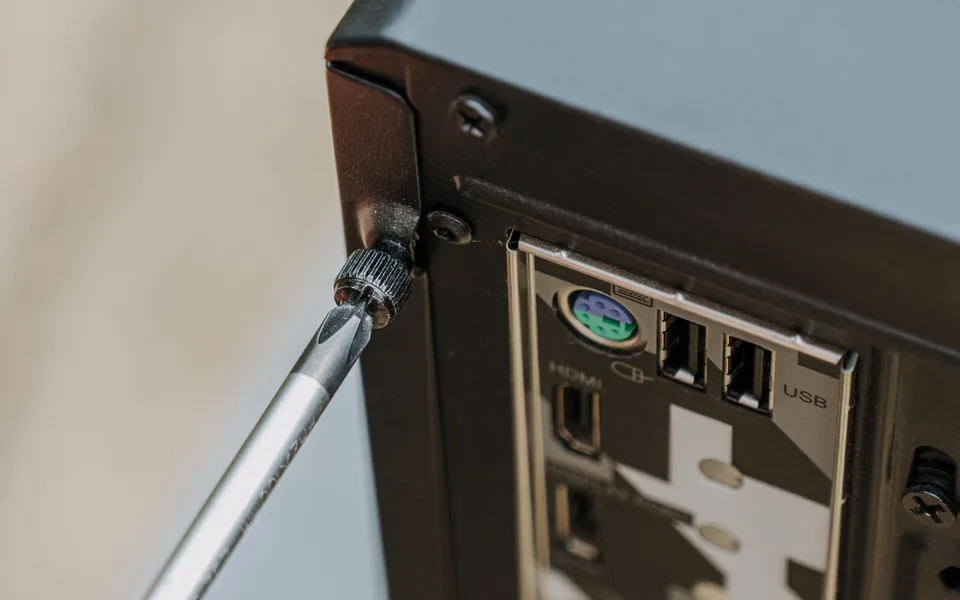
Screwdriver at the thumbscrew of an opened computer case

02

Wi-fi and network

Wi-fi that drops out upstairs, or a connection that fails now and then.

That is rarely fixed by a more expensive router. We measure where the signal actually stops and add an access point where it is needed, wired whenever possible.

For a fixed workstation, a cable is still the most reliable connection.

  • Measuring and fixing dead zones
  • Placing and configuring wi-fi points
  • CAT6A cabling up to 10 Gbit/s
  • Tracking down a slow or flaky connection, at your place or on the line
  • Guest network for visitors or customers

Before you call

Note for a few days where and when it goes wrong. That tells us more than a speed test next to the router.

How we help

Always on site. Wi-fi cannot be judged remotely, because the walls are the problem.

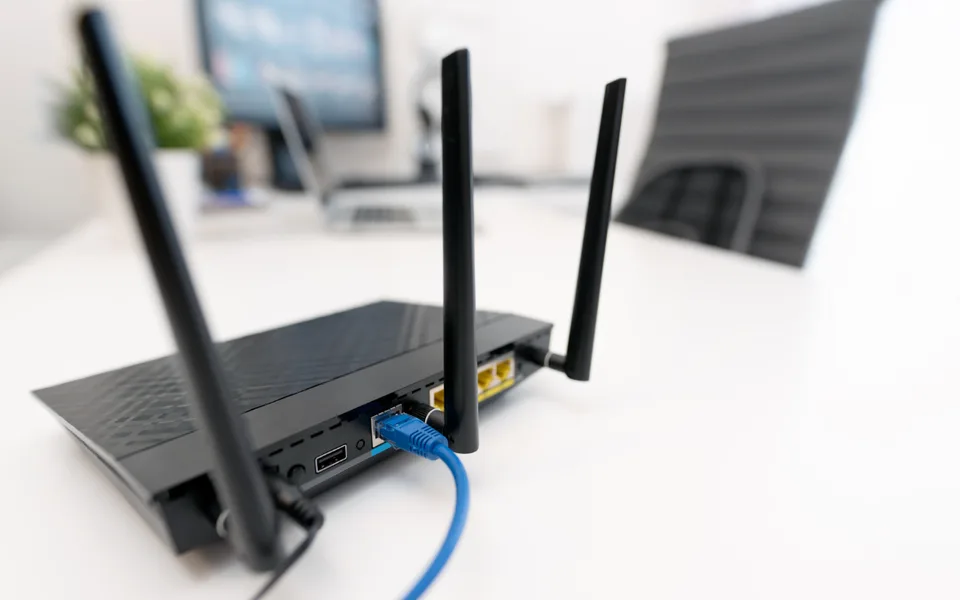
Wi-fi router with a connected network cable on a desk

03

E-mail and collaboration

Mail on your own domain, like info@yourbusiness.be.

Instead of an address from a provider or a free service. It reads more professionally and it stays yours if you ever switch suppliers. We set it up, migrate your existing mail and make sure everything works on laptop and phone before we leave.

  • Mail on your own domain, like info@yourbusiness.be
  • Shared calendars and mailboxes for several people
  • Migrating existing mail and contacts
  • Setting up on laptop, phone and tablet
  • Working out why mail does not arrive or lands in spam

Before you call

Find out where your domain name is managed and whether you still have access. In a mail migration that is invariably where things get stuck.

Laptop on a wooden table by the window

04

Backup and data recovery

Two different things that often meet in the same phone call.

Data recovery is after the fact, when a drive gives up or a device no longer starts. A backup is before the fact, and then the only question that matters is whether it is actually still running. Most backups we come across stalled months ago without anyone noticing.

  • Recovering files from a failed drive
  • Data from a device that no longer boots
  • Setting up an automatic backup, local, online or both
  • Checking whether an existing backup still runs
  • Testing a restore, because a backup you never restored is an assumption

If a drive is failing

Switch the device off. Don't keep trying to start it.

Every extra attempt lowers the chance of recovery.

Before you call

Leave the device off and note when you could last reach your files.

How we help

Recovery usually happens at our place, setting up a backup happens on site. When a drive is mechanically damaged we say so honestly: a specialised lab is then the only way, and that is a different price tag.

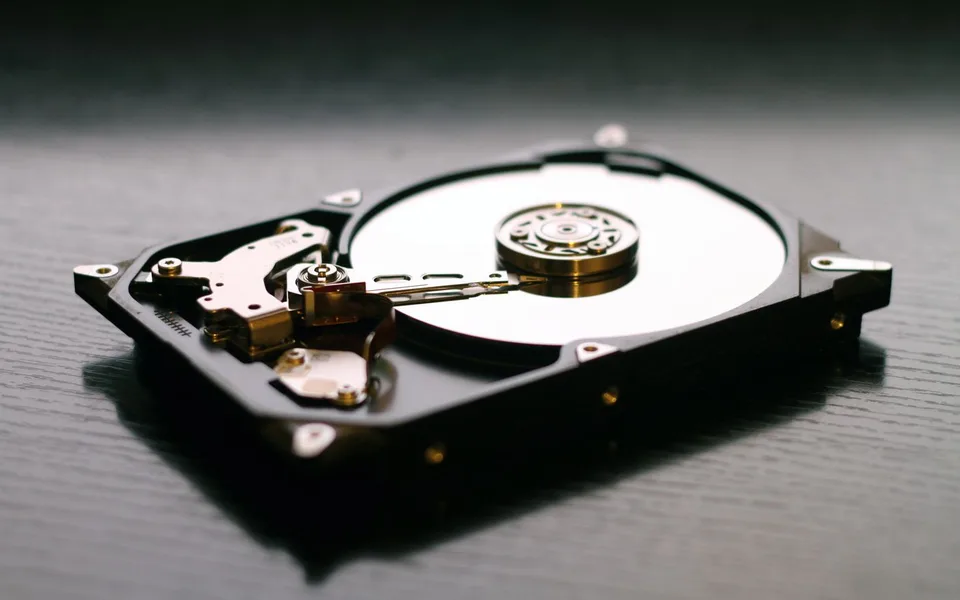
Opened hard drive with the read head above the platter

05

Printers and peripherals

Usually the problem is not the printer itself, but the road towards it.

It works on one computer and not on the other, or it disappears after every update. We give it a fixed place on the network instead of a coincidental connection, so it stays put.

  • Installing a printer or scanner and putting it on the network
  • Setting up scan to mail or scan to folder
  • Drivers and recurring error messages
  • Peripherals such as monitors, docks and card readers

Before you call

Keep the brand and model number at hand, it is usually on a sticker at the back.

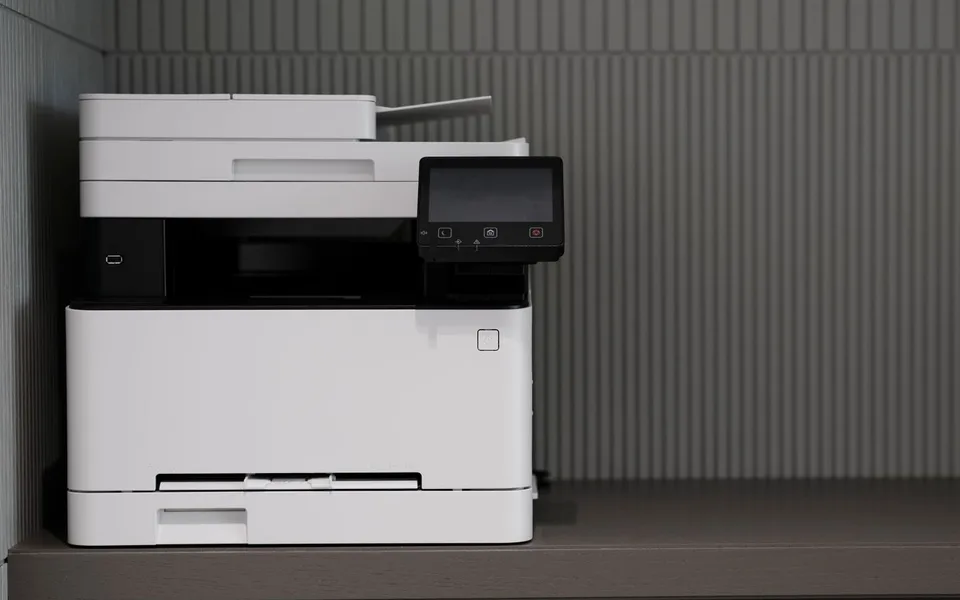
Multifunction printer on a cabinet in an office

06

Buying advice and setup

What you need depends on what you do with it, not on what happens to be in the flyer that week.

We first ask what the device is for and how long you want it to last, and only then comes a proposal. If your current machine still has headroom, we say that too, because an upgrade is often cheaper than a purchase.

  • Advice on computers, laptops, phones and tablets
  • Ordering and delivery
  • Installing and making everything ready to use
  • Transferring everything from the old device
  • Securely wiping the old device

Before you call

Think ahead about what you miss in your current device. That steers the choice more than a budget does.

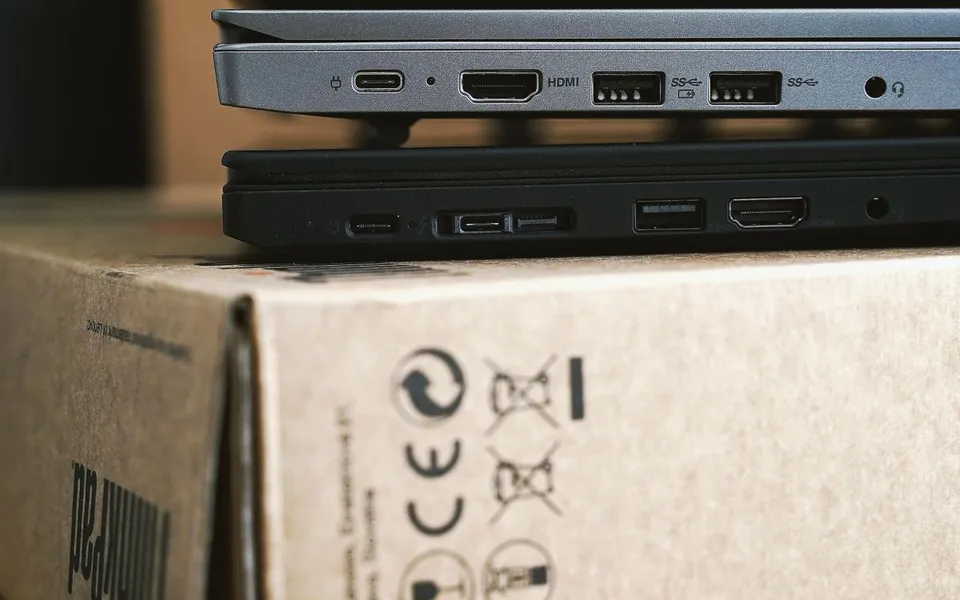
Ports of a new laptop on top of its box

What we don't do

As clear as what is listed above, and it saves you a phone call.

  1. 01

    No subscription you didn't ask for.

    You pay for the hours worked. No monthly fee, no minimum term, no contract that renews itself.

  2. 02

    No new device when the old one can last years with an upgrade.

    If there's headroom left you hear that first, with what the upgrade costs and what to expect from it.

  3. 03

    No repair that no longer makes economic sense.

    If it costs more than the device is worth, you hear that before we start, not afterwards on the invoice.

  4. 04

    No ticket number.

    You call and you get the person who does the work.

Frequently asked questions about our services

Do you repair on site or take the device with you?

On site whenever possible, so you are up and running the same day. Only work that needs time or parts happens at our place, and then we agree a timeframe up front.

Can everything be done remotely?

No. Software, mail, settings and PC performance often can. Anything involving wi-fi, cabling, printers or failed hardware needs someone on site.

Do you work on equipment someone else installed?

Yes. We don't ask you to replace everything before we can help. If existing equipment turns out to be the cause, we explain why and what the alternative costs.

What does it cost?

The first look is free: you don't pay to have us come out and find out what's wrong. Paid hours only start once you agree to the fix, per hour worked and with travel within the service area included. Feel free to ask for the current rate on the phone.

Is your problem
not listed?

You don't need to know what it's called. Just tell us what's going wrong, and we'll work out what's needed and whether we should come by.

+32 476 27 21 96